

7 Best ChatGPT Alternatives in 2026
It's been a few years since ChatGPT launched, and the AI landscape has transformed completely.
While ChatGPT continues to lead, more users are raising concerns about expensive plans, performance limitations in specific use cases, and occasional reliability issues during peak hours. The good news? It's not the only tool anymore.
Well, we now enjoy multiple AI platforms both general-purpose and specialized competing with ChatGPT. These alternatives help users from different industries work more efficiently, whether you're writing, coding, researching, or generaly exploring what AI can do.
Over the past few years, I've used a these tools extensively to understand how these platforms actually perform in real-world scenarios and especailly how they differ. Today, there are more than a dozen ChatGPT alternatives available some excellent, some decent, and some that can fall short.
In this article, it's my goal you'll find an in-depth look at the 7 best ChatGPT alts based on different metrics like performance, ease of use, pricing, and features.
Overview of the 7 Best ChatGPT Alternatives in 2026
1. Poly – Best Overall ChatGPT Alternative for Multi-Model Access
Website: polylabs.app
Best for: Professionals, researchers, students, developers, and anyone who needs access to multiple AI models
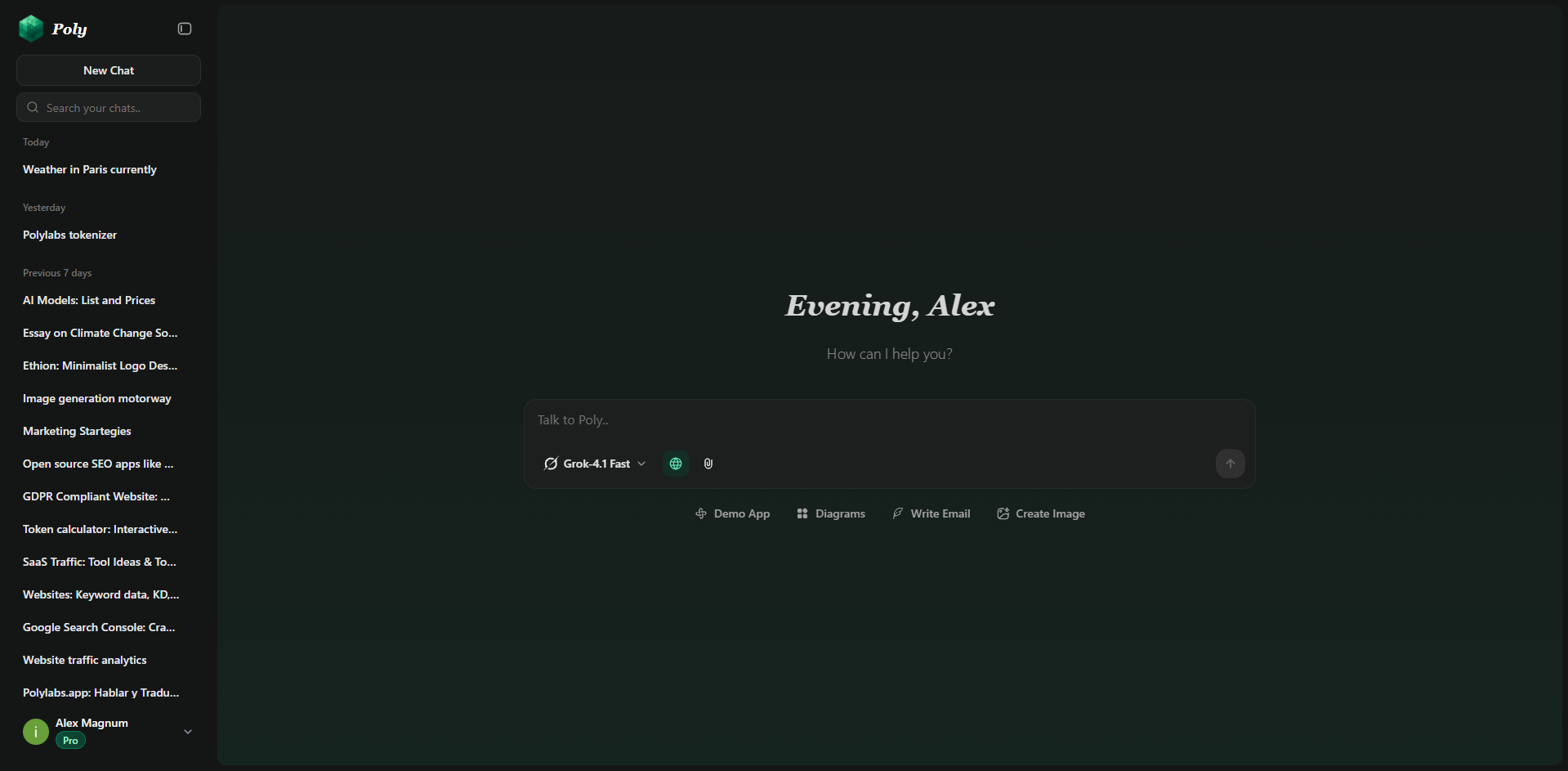
Poly takes a different approach to the ChatGPT alternative question: instead of choosing one model, why not access all of them? It's a multi-model platform that lets you use GPT-5.2, Claude Sonnet 4.5, Gemini 3 Pro, Grok 4, DeepSeek, and much more.
Why Poly Stands Out
Multi-Model Access: Switch between GPT-5.2, Claude Sonnet 4.5, Grok 4, Gemini 3 Pro, and dozens of other models mid-conversation. No context loss. No copying text between platforms.
You can have an on going conversation with Gemini 3 Flash, stop half way through, switch to Seedream and it, having the whole context of the conversation, can take into account all that was said and generate amazing reuslts.
Unified Interface: One clean interface for all models. Learn it once, use it everywhere. No need to use different platforms and have seperate billing not to mention it gets expensive.
Persistent Conversation History: Your chats persist across models. Start with Kimi k2 for analysis, switch to Claude for writing, then Gemini for research all in the same thread.
Cost Efficient: Compare $15/month for 80+ models versus ChatGPT Plus ($20), Claude Pro ($20), and Gemini Advanced ($20) separately that's $60 for what's basically 3 models. (or rather 3 families of models)
Model Comparison: Test outputs from different models on the same prompt. See which performs best for your specific task without manual copying.
Built-in Tools: Generate interactive charts, create diagrams with Mermaid support, preview web apps directly in chat, and visualize data all without leaving the interface.
Poly vs ChatGPT
Pricing
- Free Plan: Access to Grok 4 Fast, Gemini 2.0 Flash and a few others
- Plus Plan: $15/month for full access to all frontier models
- Pro Plan: $50/month for heavy usage with higher limits
Best Use Cases
- Research: Validate information across multiple models
- Writing: Test different models' prose styles
- Coding: Compare implementations from Claude, GPT-5, and DeepSeek
- Learning: Use different models' explanations to understand concepts
- Professional Work: Switch models based on task requirements
Why Poly is the Best ChatGPT Alternative
For users who need more than one model, Poly eliminates the subscription mess. Instead of managing three to five separate accounts, payments, and interfaces, you get everything in one place. It's designed for people who've outgrown the limitations of single-model platforms.
2. Claude – Best ChatGPT Alternative for Professional Writing
Website: claude.ai
Best for: Writers, programmers, consultants, technical professionals, strategists
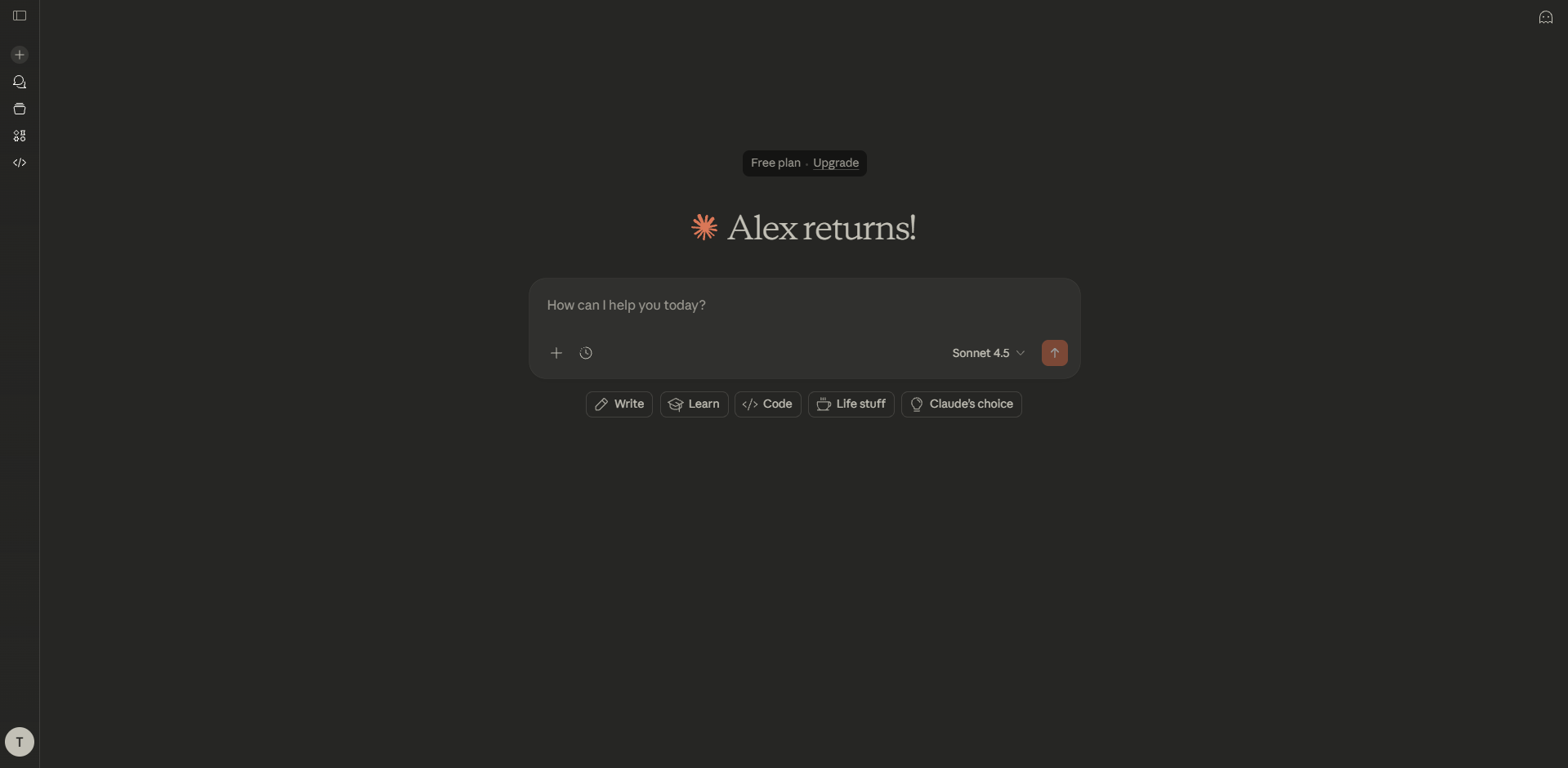
Claude, developed by Anthropic, has become one of the most popular ChatGPT alternatives for professional use. Its natural tone, contextual understanding, and extended memory make it particularly strong for work environments requiring high-quality writing.
Key Features
Natural Writing Style: Claude produces prose that feels more human. Less obviously AI-generated. Better flow and tone consistency across long documents.
Extended Context Window: 1,000,000 tokens means that you can theoretically upload entire books, research papers, or codebases for analysis without losing context.
Artifacts: Interactive feature that lets you work with generated code, documents, or data visualizations in a separate window, making iteration easier.
Code Generation: Particularly strong at complex coding tasks. Creates functional apps within the interface that you can interact with immediately.
Pros & Cons
Pros:
- Produces natural, human-like writing
- Handles extremely long documents
- Strong code generation
Cons:
- No native image generation
- More expensive than some alternatives
- Can be overly verbose for simple queries
When to Use Claude Over ChatGPT
- Professional reports requiring nuanced tone
- Analyzing lengthy contracts or research papers
- Long-form content that needs voice consistency
- Complex code projects requiring detailed explanation
- Work requiring empathetic or consultative responses
Pricing
- Free Plan: Available with usage limits
- Claude Pro: $20/month for extended access
3. Google Gemini – Best for Google Ecosystem Integration
Website: gemini.google.com
Best for: Gmail, Google Drive, Docs, Chrome
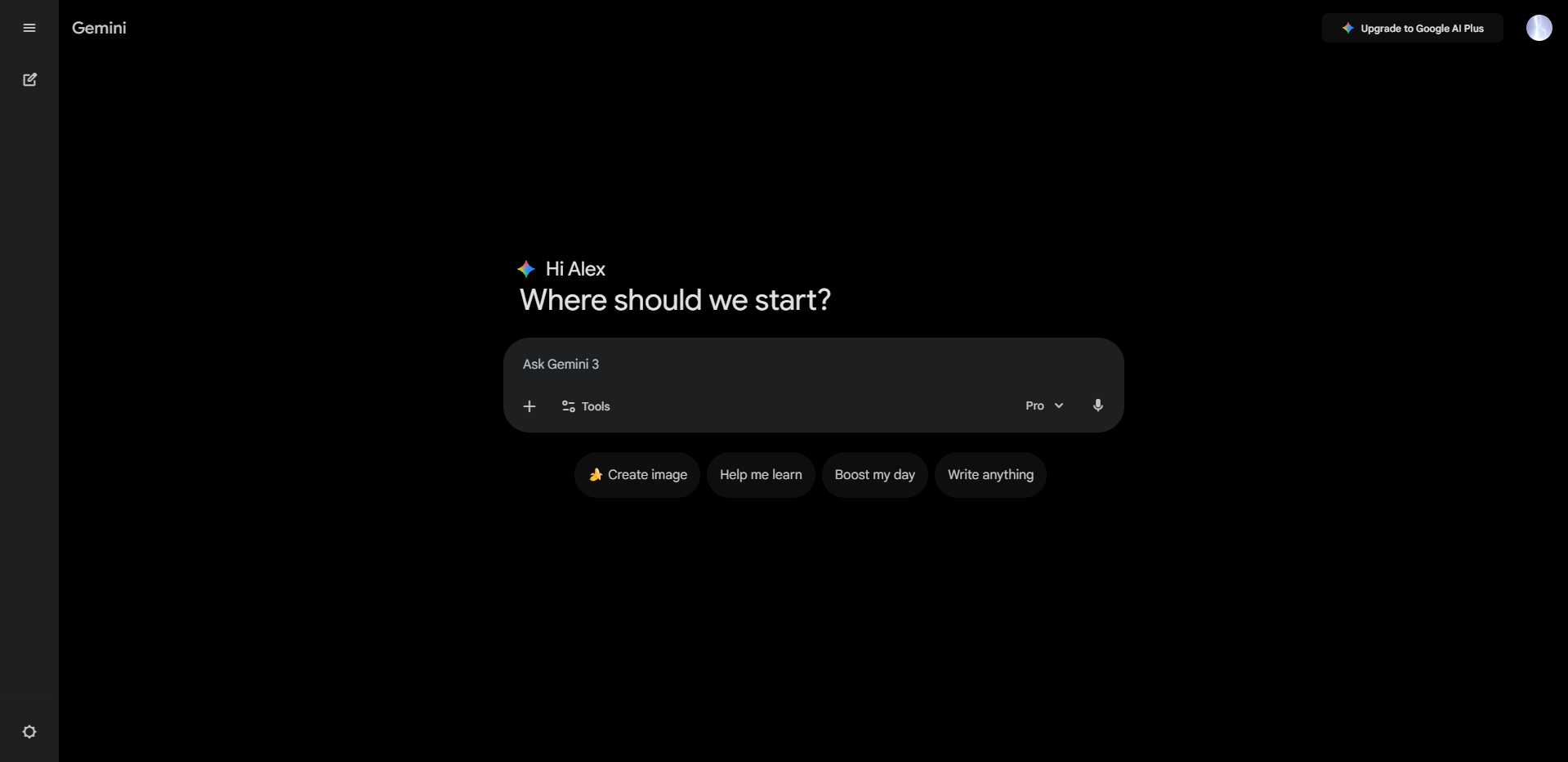
Google Gemini (formerly Bard) positions itself as the ChatGPT alternative for users embedded in Google's ecosystem. With direct integrations across Google Workspace, Android, and Chrome, it brings AI directly into tools you already use daily.
What Makes Gemini Stand Out
Native Google Integration: Call up information from Gmail, Google Calendar, Drive, Docs, and Sheets directly in chat. Summarize emails, schedule meetings, analyze spreadsheets all without leaving your workflow.
Massive Document Processing: Gemini Advanced can process documents up to 1,500 pages, making it useful for academic research, legal analysis, and business reporting.
Multimodal Capabilities: Handles text, images, audio, and video. Generate images, analyze photos, transcribe audio, all within the same interface.
Gems: Create personalized AI assistants tuned for specific tasks (writing coach, coding helper, research assistant).
Gemini vs ChatGPT
Pros & Cons
Pros:
- Deep Google Workspace integration
- Processes massive documents
- Real-time web access via Google Search
- Multimodal capabilities (text, images, video, audio)
- basic free tier available
Cons:
- Performance can be inconsistent for complex tasks
- Less creative than ChatGPT or Claude
- Advanced features require expensive subscription
- Text generation accuracy varies
Pricing
- Free Plan: Basic Gemini access
- Gemini Advanced: $20/month
Why Gemini Works for Google Users
If most of your work happens in Gmail, Docs, or Sheets, Gemini doesn't feel like an external tool it's already there. Summarize emails, draft responses, analyze data, create presentations. The integration removes friction, making AI part of your natural workflow instead of something you need to switch to.
4. Perplexity AI – Best for Research and Sourced Answers
Website: perplexity.ai
Best for: Analysts & journalists
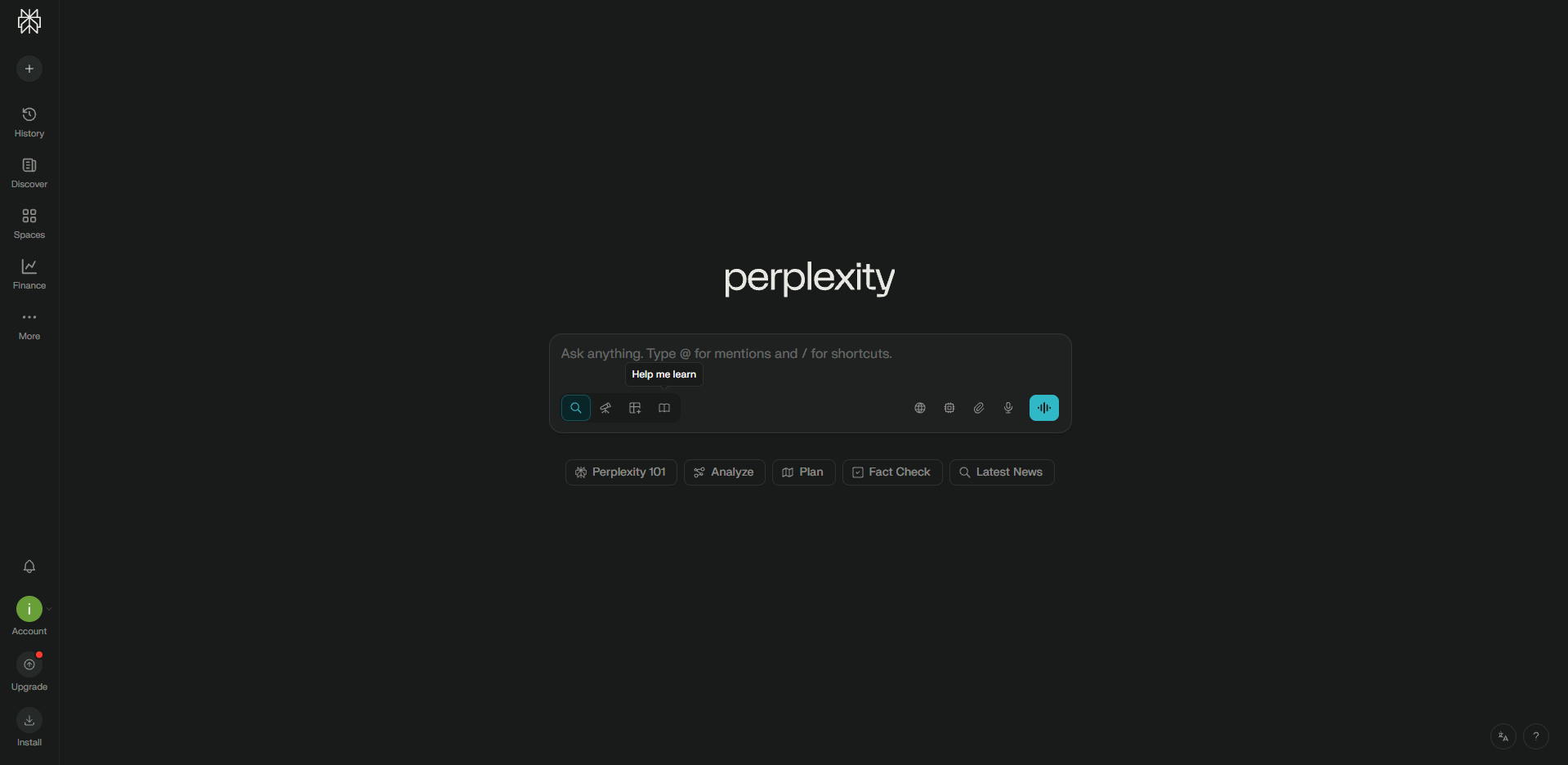
Perplexity calls itself an "answer engine" rather than just a chatbot. The distinction matters. While ChatGPT generates responses from training data and can use a tool when needed to scrape data from the web, Perplexity searches the web in real-time and provides citations for every claim, making it a more reliable ChatGPT alternative for research.
Key Features
Sourced Answers: Every response includes links to sources. Verify claims, check original context, and dig deeper into topics without guessing where information came from.
Model Selection: Choose between GPT-5.2, Gemini 3 Pro, or Perplexity's own Sonar models depending on your needs.
Search Modes:
- Search Mode: Fast answers with basic citations
- Research Mode: In-depth analysis pulling from hundreds of sources
Spaces: Organize research by project or topic. Collaborate with team members. Keep context separate across different work streams.
Perplexity Pages: Turn research into shareable, well-formatted articles with citations intact.
Pros & Cons
Pros:
- Provides direct source citations
- Real-time web access
- Choice of underlying AI models
- Excellent for fact-checking
- Organizes research into Spaces
Cons:
- Less suited for creative writing
- Answer quality depends on the resource used
- Not designed for extended conversations
- Limited multimodal capabilities
When Perplexity Beats ChatGPT
- Academic research requiring citations
- Fact-checking claims or news
- Comparing multiple sources on a topic
Pricing
- Free Tier: Available with basic features
- Pro Plan: $20/month for search and advanced features
Why Research Requires Sources
For work that demands accuracy academic papers, journalism, client reports Perplexity's citation system builds trust.
5. Microsoft Copilot – Best for Business Productivity
Website: copilot.microsoft.com
Best for: Enterprises using Excel, Word, PowerPoint, Outlook, Teams
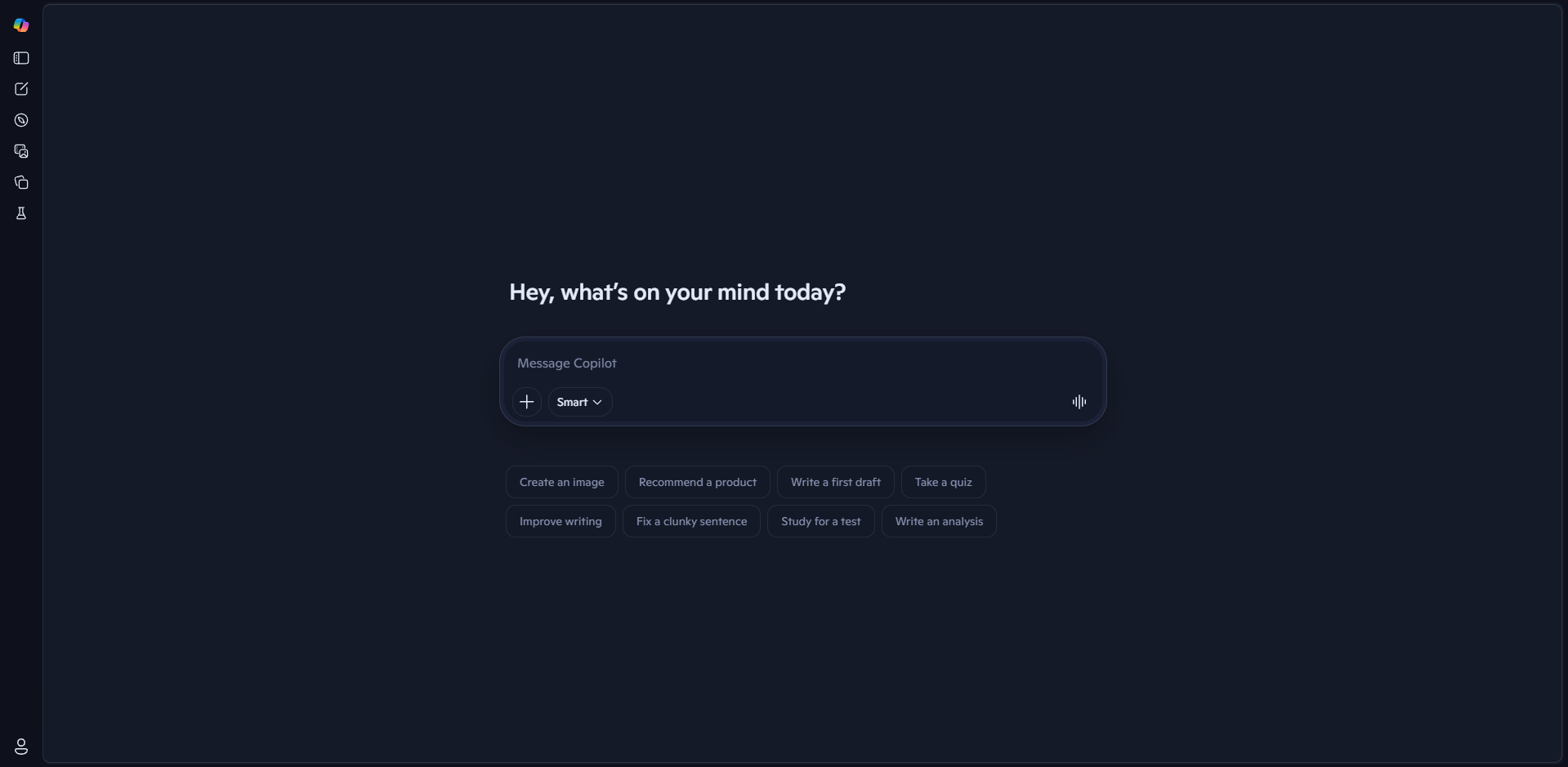
Microsoft Copilot represents a different approach to AI: instead of a separate tool, it's embedded directly into the apps you already use. Built on GPT-5 through Microsoft's OpenAI partnership, Copilot understands your work context and provides assistance without leaving Microsoft 365.
What Makes Copilot Different
Native Microsoft 365 Integration: Works directly inside Word, Excel, PowerPoint, Outlook, and Teams. No context switching. No copying data between apps.
Work IQ: An intelligence layer that learns your work patterns and personalizes suggestions based on your role.
GPT-5 Powered: Includes the same reasoning capabilities as ChatGPT Plus but integrated into your workflow.
Agents: Create automated workflows that handle repetitive tasks across Microsoft apps.
Enterprise Security: Meets enterprise compliance requirements, data governance policies, and security standards.
Copilot vs ChatGPT
Pros & Cons
Pros:
- Deep integration with Microsoft 365
- Understands organizational context
- GPT-5 capabilities included
- Enterprise-grade security
- Generous free tier
Cons:
- Limited utility outside Microsoft ecosystem
- Can be slow during peak usage
- Requires Microsoft 365 subscription
- Less flexibility for general chat
Pricing
- Free: Basic features with Edge browser and Office
- Copilot Pro: $20/month (first month free)
Why Stay Within Microsoft
If your work runs through Outlook, Word, Excel, and Teams, adding another tool creates friction. Copilot removes that friction by being where you already work. Analyze spreadsheets, draft emails, create presentations, summarize meetings all without opening a separate app.
6. Kimi – The New Kid on the Block with Vision and Agent Intelligence
Website: kimi.com
Best for: Developers & agent-based workflows
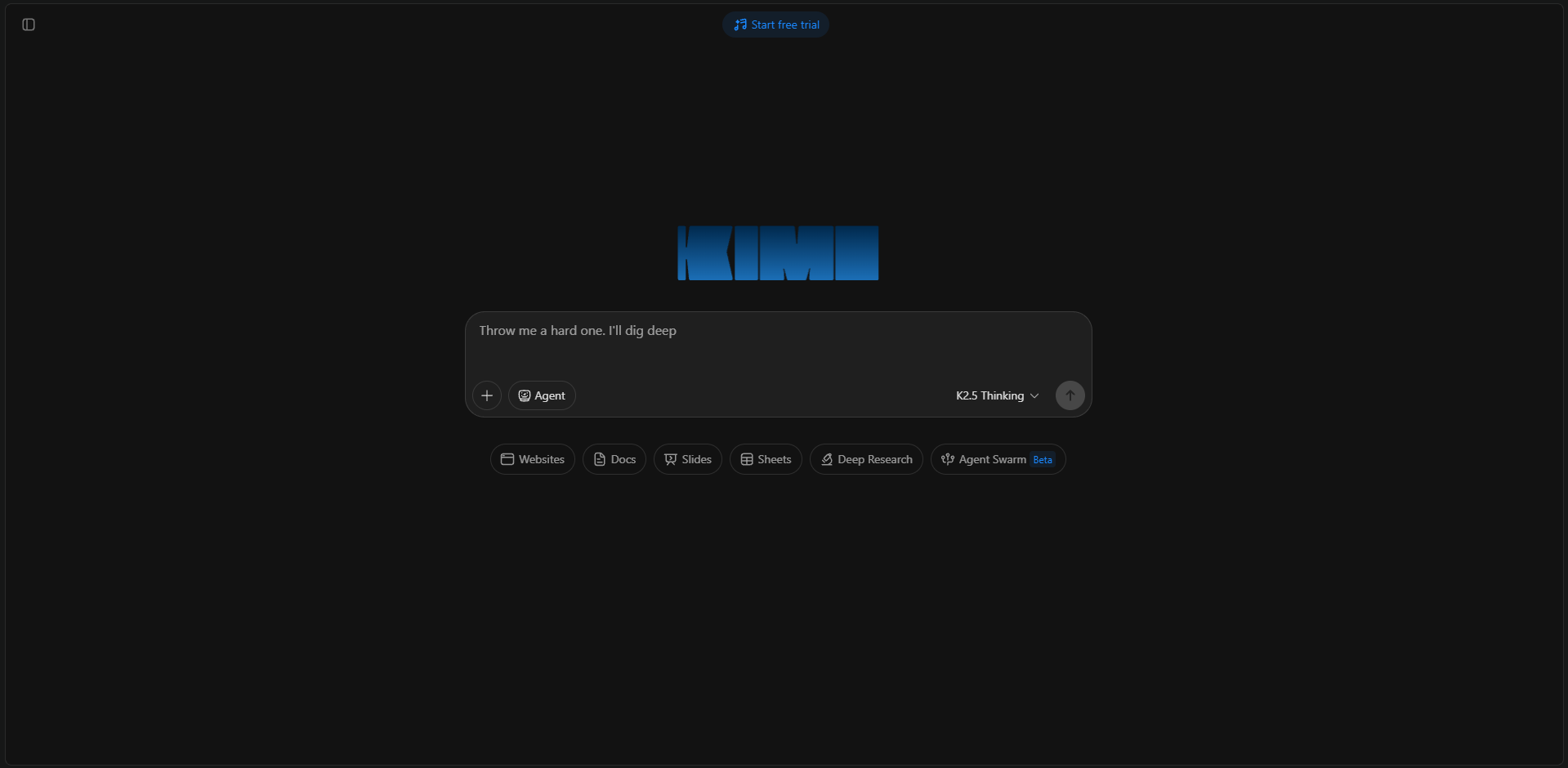
Kimi K2.5, developed by Moonshot AI, quietly launched as the newest ChatGPT alternative with a compelling feature set: native vision capabilities, tool integration, and agent-style reasoning that puts it ahead of many established competitors. Think of it as "moving from Gemini 2.5 Pro to Gemini 3 Pro" a significant performance jump.
Key Features
Native Visual Intelligence: Unlike previous versions, supports direct image uploads for analysis.
Agent-Style Tool Integration: Built-in tool calling enables step-by-step reasoning to solve math, logic, or programming problems. The model can break down complex tasks and execute them methodically.
Advanced Reasoning Mode: Thinking mode provides transparent reasoning processes, showing how the model arrives at conclusions particularly useful for coding, debugging, and complex problem-solving.
Free Trial: 7-day free trial of full capabilities before requiring subscription.
Kimi Benchmark Performance
Kimi leads or competes in several key benchmarks:
(Source: Moonshot AI benchmarks, January 2026)
particularly excels at agent tasks (Humanity's Last Exam, BrowseComp, DeepSearchQA) and video understanding, while remaining competitive in coding and image processing.
Pros & Cons
Pros:
- Native vision support with practical applications
- Strong benchmark performance across diverse tasks
- Competitive pricing for the API compared to Western alternatives
Cons:
- Limited third-party integrations compared to established players
- Documentation primarily in Chinese (English improving)
- API availability still expanding
When Kimi Outperforms ChatGPT
- 3D Model Creation: Generating models from 2D images
- Reasoning Transparency: Understanding AI decision-making process
- Multimodal Analysis: Tasks combining text and visual inputs
Pricing
- Free Trial: 7 days full access to test all features
- Moderato Plan: Base tier (pricing not publicly disclosed)
- Allegretto: $39/month
Why Kimi Deserves Attention
As a recent relatively unknown entrant in the frontier AI space, Kimi brings capabilities that established players are still catching up to particularly around agent intelligence. Early adopters report performance that rivals or exceeds GPT-5 and Claude in specific domains. While the ecosystem is still maturing, the technical foundation is solid enough to consider seriously, especially for developers and researchers working with multimodal AI.
7. Grok – Best for Real-Time Information
Website: x.ai
Best for: Social media managers, marketers, journalists, X (Twitter) users
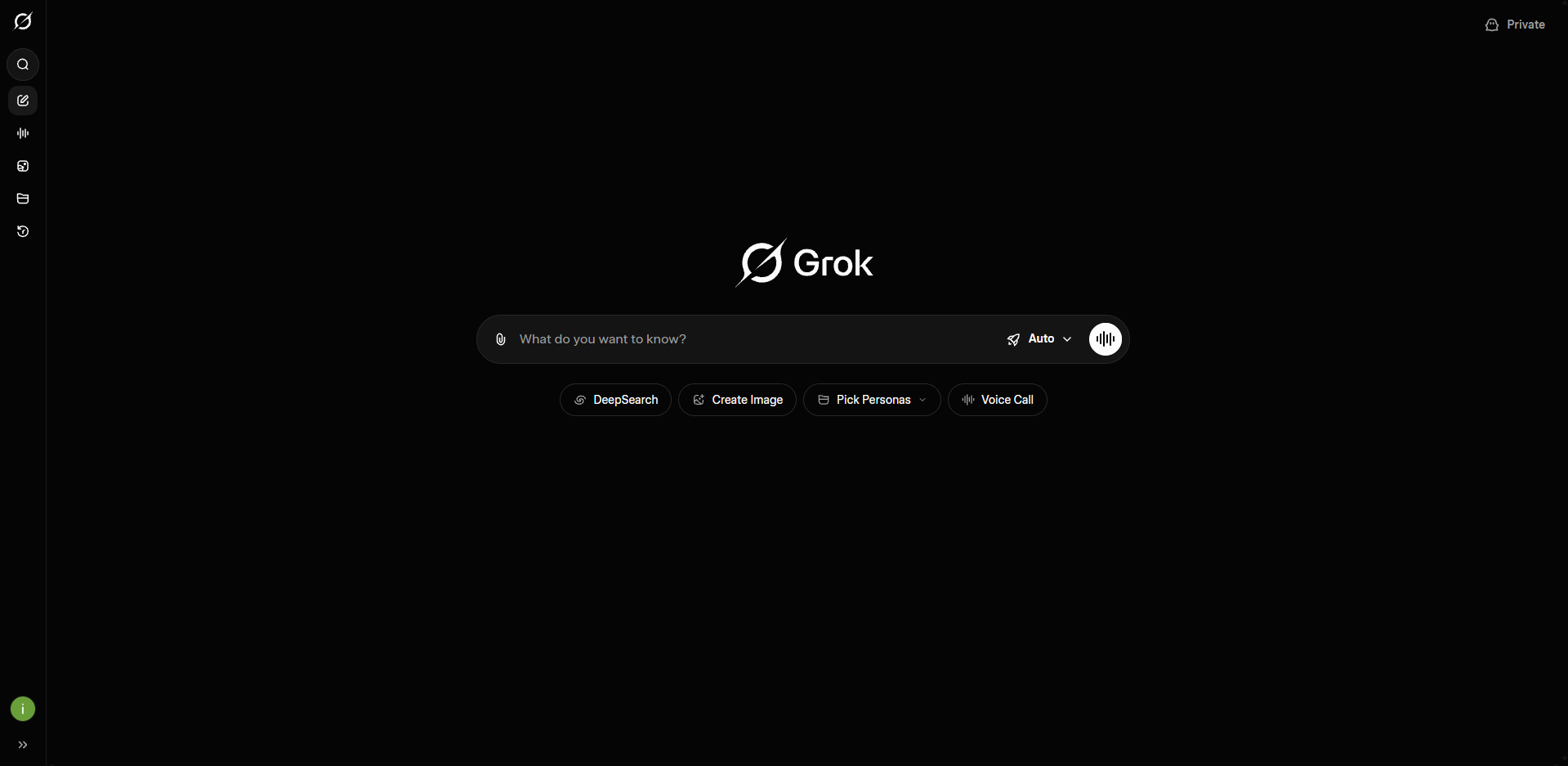
Grok, developed by xAI (Elon Musk's AI company), takes a different angle: real-time access to X (Twitter) conversations, trends, and news. For users who need current social context, Grok provides something other ChatGPT alternatives can't match.
What Makes Grok Stand Out
X Integration: Direct access to X's data feed. See real-time conversations, trending topics, and breaking news as they happen.
Three Models: Choose between Grok-4 (general), Grok-4 Heavy (complex reasoning), and Grok-4 Fast (quick responses) based on your needs.
Fun Mode: A more casual, unfiltered personality. Less corporate, more direct responses.
Web Search: Beyond X, includes general web search capabilities.
Pros & Cons
Pros:
- Real-time X (Twitter) data access
- Unfiltered, direct responses
- Strong reasoning capabilities
- Included with X Premium
Cons:
- Fewer features than established platforms
- Limited ecosystem integrations
- Personality can be inconsistent
When Grok Beats ChatGPT
- Tracking social media trends
- Understanding public reaction to events
- Social media content creation
- News monitoring and analysis
- Current event discussions
Pricing
- X Premium: $8/month (includes some Grok access)
- SuperGrok: Starting at $30/month is the plan to consider if you want usage to be on par with the other platforms
Why Real-Time Context Matters
For work that depends on current conversations social media management, journalism, marketing Grok provides context other AI tools miss. It knows what's trending, what people are saying, and how conversations evolve in real-time. Access Grok via Poly
How to Choose the Right ChatGPT Alternative
With seven strong options, picking the right one depends on your specific needs, workflow, and budget. Here's a practical decision framework:
Based on Your Primary Use Case
Exclusively writing or coding? → Claude (most natural prose quality)
Google Workspace user? → Gemini (native integration)
Microsoft 365 user? → Copilot (embedded in Office apps)
Research requiring sources? → Perplexity (citations for every answer)
Coding on a budget? → DeepSeek (free with strong technical capability)
Social media work? → Grok (real-time X data)
Everything in one place? → Poly (one platform, all AI models)
Based on Your Budget
-
Free: DeepSeek for capability or Poly's free tier for model variety
-
$15 - $20 /month:
-
Depends; Are you fine with being locked in a single platform that can turn irrelevant or do you want to have access to the lastest and greatest AI Models?
-
If you want multiple models at your disposal, the choice is Poly, else feel free to consider any of the platfroms cited in this article. Either way I hope this was of value to you :)
-
-
$50+/month: Poly Pro for heavy usage or multiple individual subscriptions
Testing Approach
Don't commit immediately:
- List your three most common AI tasks
- Try free tiers of relevant platforms on those specific tasks
- Compare actual outputs against what you need
- Consider workflow friction (copying between tools, separate logins)
- Calculate real costs (subscription + time spent platform-switching)
PS: Feel free to have a look at the tokenizer if you want to have a deeper more technical approach into costs: Tokenizer
Final Thoughts
ChatGPT opened the door to accessible AI. That's its lasting contribution.
But the market has evolved beyond single-platform solutions. Different tools serve different needs. The "best" ChatGPT alternative depends entirely on what you're trying to accomplish.
For users who need access to multiple models without platform fragmentation, Poly solves a real problem: ChatGPT, Claude, Gemini, and many other models in one platform, one interface, one conversation history.